
This error has become the bane of my existence – with multiple configuration setups. Basically, anytime I dared to change the Synapse workspace to not allow all access in the Network settings, I was bound to run into it. Today’s tidbit only addresses ONE way that might solve this error, but it is so maddingly simple that I decided to throw it up on my blog. I’ll save the rant of all the different rabbit holes I’ve been down in the last month for the “BEST PRACTICE SAYS YOU HAVE TO DO THIS <oh except it’s not allowed in these cases and I’m going to bury that information on some small page.>” Hopefully I’ll post all the different ways to address this problem at some point.
First let’s look at the error message that you see when you open up your Synapse workspace. “Failed to load. Failed to load one or more resources due to forbidden issue, error code 403.”
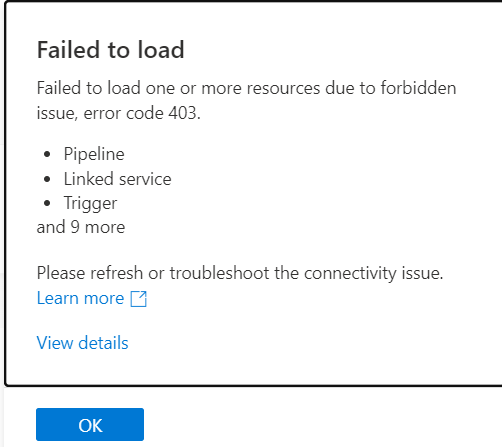
Hmmmmm, what is this “View details” you speak of?
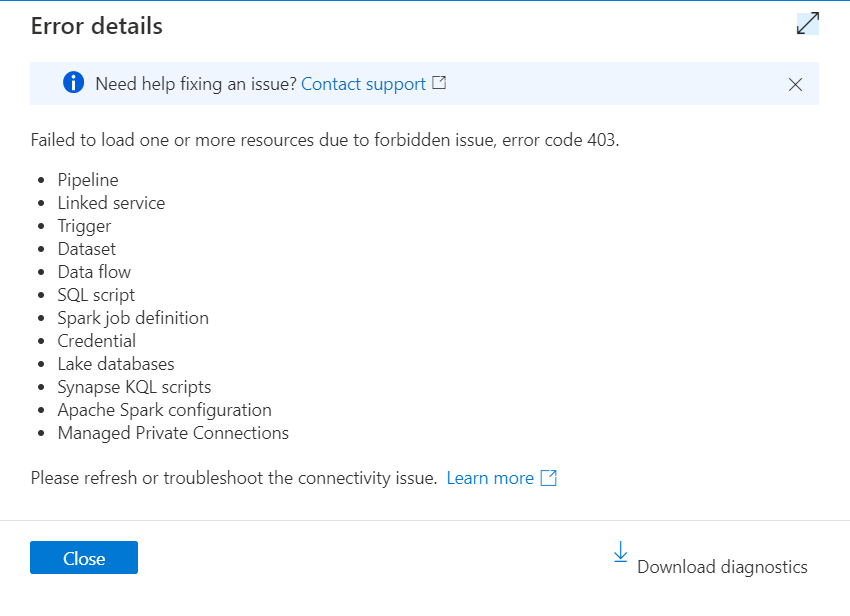
Oh, ok. It’s just really telling me all the things that aren’t working. Awesome. And don’t let that “download diagnostics” button fool you. It’s not going to tell you anything helpful. (I know, shocking.)
So what’s the 2 second fix you can check before getting lost down your own rabbit hole? A little thing in the Azure portal, under your Synapse workspace in the Network settings. Drum role……..make sure you have your own IP address (ahem, “Client IP address”) added as a rule with whatever other network rules you’ve got going on. ARE YOU FREAKING KIDDING ME?
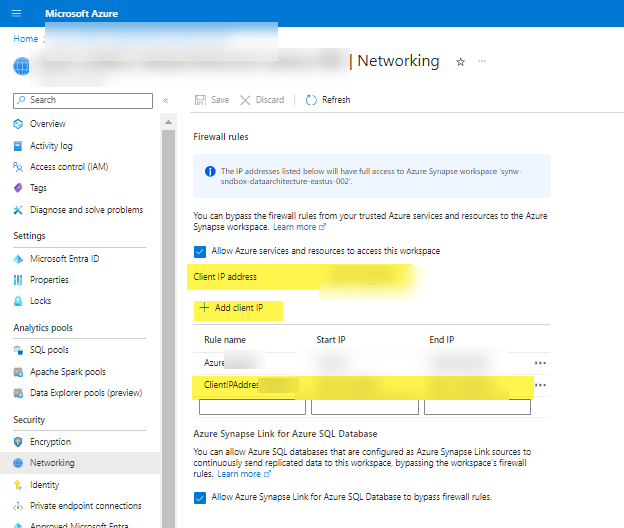
If you are thinking “yea, duh, there is a little button that says ‘Add client IP'” then ShutIT. They put that image slam in the middle of one of the Microsoft Learn pages without context in the middle of something else completely, so by the time you (ok me) finish the other thing that the article was about, I’ve completely forgotten about this rando item. And apparently I’m not the only one because I’ve screen shared with a ton of super smart people (including MS peeps) and no one even noticed my IP wasn’t added.
For the record, my new mantra is “they created Fabric because they realized they had to simplify Synapse configurations. Microsoft realized too many people were getting pissed.”
UPDATE: If using PBI as a developer using desktop, you may have to add that person’s IP address to the firewall rules as well. Otherwise they may have issues refreshing tables.
 Data Work Mom